How to export an Airtable base to CSV
Airtable exports one table at a time, and attachment links expire in hours. Here's how to export a whole base cleanly, what the CSV leaves out, and how to bring it into Team Brain.
You looked for the button that says "Export base." There isn't one. So you're clicking into each table, one at a time, wondering what you're about to lose.
You're not missing anything. Airtable simply doesn't export a whole base as one file. It's a fair thing to be annoyed about. One writer put it plainly this week: paying monthly is fine, but finding out the only way to leave is to abandon years of your own data is not.
The good news: with the steps below, you won't lose anything that matters. Here's Airtable's own way first, then how to bring the files into Team Brain.

Why there's no one-click export
Airtable's help page says it directly: exporting a full base as a single file is not supported. Each table in a base has to be downloaded as its own CSV, and attachment files have to be saved separately.
It also only works from the web and desktop apps, and only from grid views. If your table lives in a kanban or calendar view, switch to a grid view first.
Step by step: export each table
Do this once per table.
- Open the base and pick a grid view. If the table has none, add one.
- Clear the filters. The CSV holds only what the view shows. Airtable says to make sure the view has no filters if you want every record.
- Show hidden fields. Same reason. A field you hid for neatness won't be in the file.
- Click the down arrow next to the view's name, then Download CSV. The file lands in your downloads.
- Name the file after the table. When you have ten of them, you'll thank yourself.
Want Excel instead? Airtable doesn't export .xlsx directly. Open the CSV in Excel and save it as a workbook.
What the CSV keeps and what it leaves out

It keeps every field that's visible in the view. Attachments come through as a file name and a link.
It leaves out comments on records, field descriptions, the base guide, and data that lives only in extensions.
Watch the attachments. This is the one that catches people. Airtable says attachment links in a CSV expire after a few hours. If you need the files, download them the same day you export, or the links in your CSV will point to nothing.
Links between tables flatten. A CSV is one flat table, so the relationships between tables don't travel as relationships. As one Hacker News commenter put it, you can export your data to CSV, but you'd lose the relationships. Plan to reconnect them after import.
People do this every week. One builder hit Airtable's record limit, saw the price of the next plan and exported a CSV and left. Another said their team was already discussing leaving Airtable. Whatever your reason, a clean export is step one.
Bring the CSVs into Team Brain
Now the files have somewhere to go.
- In the sidebar, click the plus next to Workspace and choose Import.
- Drop in your CSV files. You can drop several at once.
- Each file becomes a table. Team Brain reads the header row as column names and guesses the type of each column, like a number, a date or a choice, so you don't set them by hand.
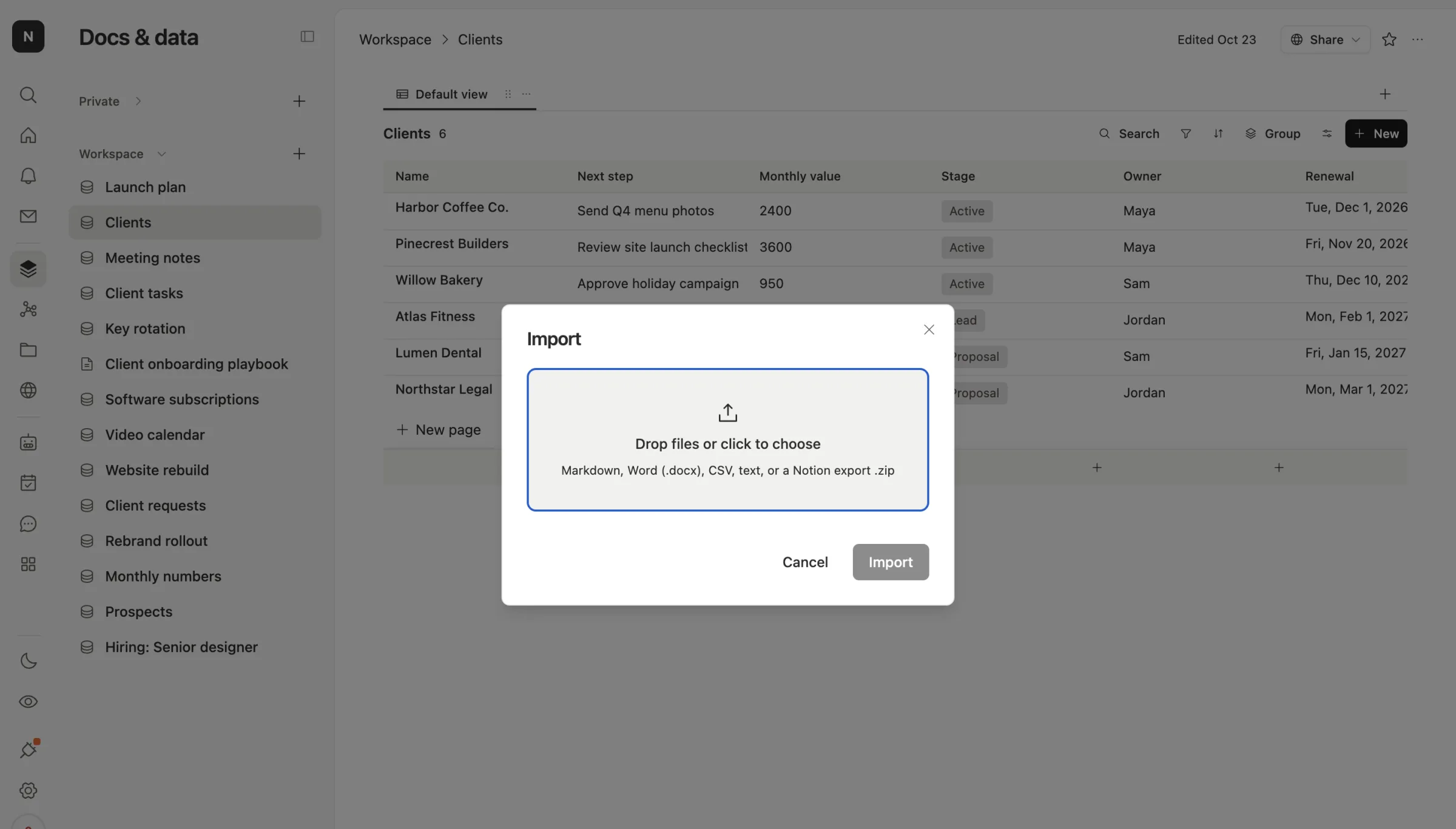
One honest limit: Import brings in the first 1,000 rows and 60 columns of each CSV, and it tells you if it stopped early. For a bigger table, upload the CSV to Files and save it to the workspace as a spreadsheet from its preview.
Once it's in, it's a real table with views, owners and dates, like this client list:
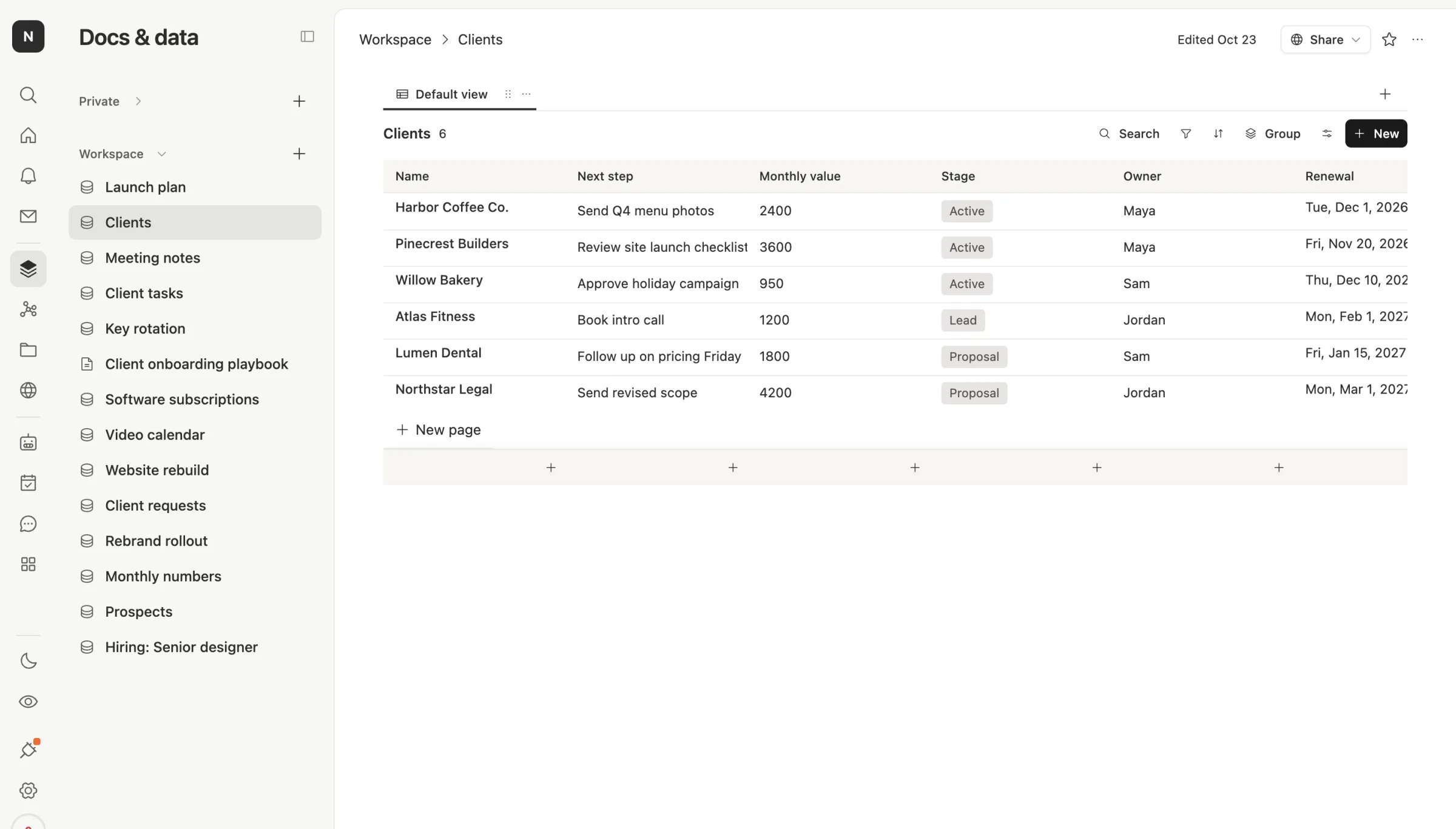
Then reconnect the links. Add a relation column between two tables, for example Clients and Meeting notes, and link the rows. Relations in Team Brain are two-way, so each client shows its notes and each note shows its client.
Then put the boring parts on an agent. In Team Brain an agent can check the table every morning, remind an owner before a renewal, or fill in a column from an email. The workspace is free for any number of people, with no limit on records, and you pay only for the AI the agents use. See our pricing.
Before you cancel Airtable
- Export every table, not just the main one. Small lookup tables are easy to forget.
- Save the attachment files the same day.
- Copy your automations and formulas down in a doc. They don't travel in a CSV, and you'll want a list to rebuild from.
- Keep the old base read-only for a month. If something's missing, it's still there.
Common questions
Can I export a whole Airtable base at once? No. Airtable says each table has to be downloaded as its own CSV.
Why are my attachment links broken? Airtable's links in a CSV expire after a few hours. Download the files the same day you export.
Can I export a kanban or calendar view? Not directly. Make a grid view of the same table and export that.
Will my linked records come across? Not as links. A CSV is one flat table, so rebuild them with a relation column after import.